Tempo Reader for iPhone and iPad
Any document.
Your pace.


CA$3.99 a month or CA$24.99 a year.

Read documents one word at a time, listen aloud, or browse the text with its figures in place.
Reading modes
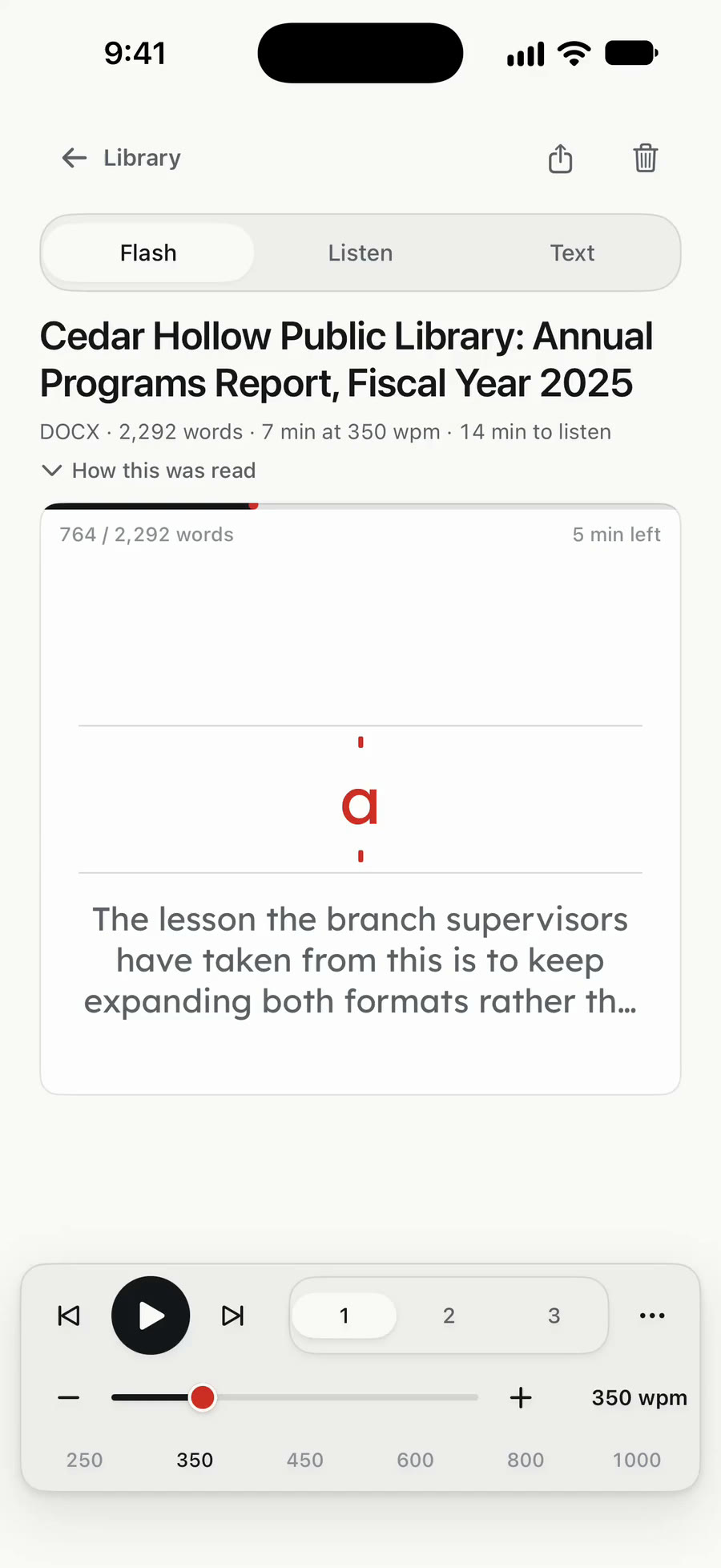
Flash
Words arrive at one fixed point, at 100–1,200 words a minute. Show one, two or three at once, with pauses at sentences and paragraphs.
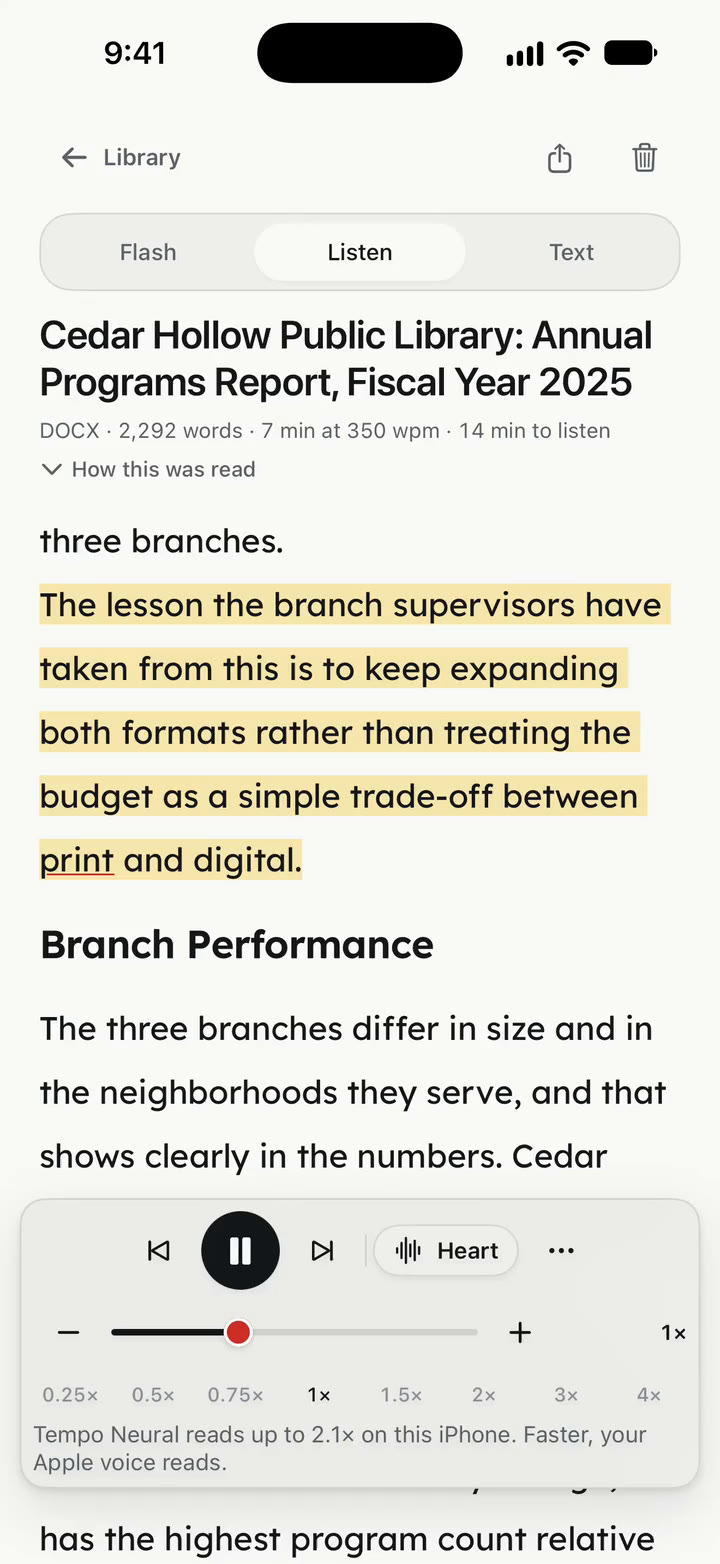
Listen
Listen at 0.25–4× speed with each sentence highlighted. Playback continues with the screen off, remembers your place and supports a sleep timer.
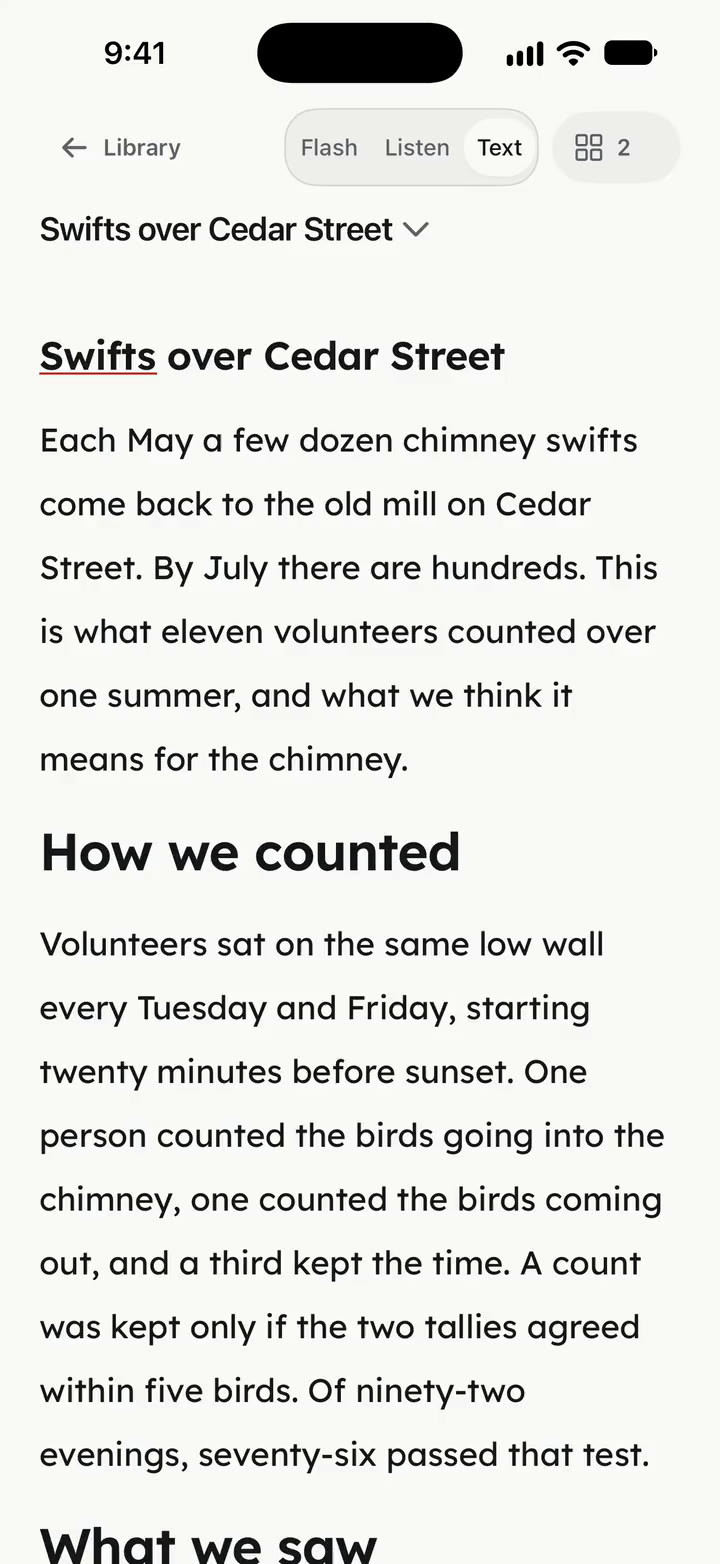
Text
Read without running headers, page numbers or footnotes. Tap a sentence to start there. Uncertain words from scans are marked for checking.
Figures
Charts, diagrams and photos stay beside the text. Glance brings them into Flash as you reach them. Listen shows the current figure above the player and on the Lock Screen.
Swifts counted going into the chimneyBest evening of each month 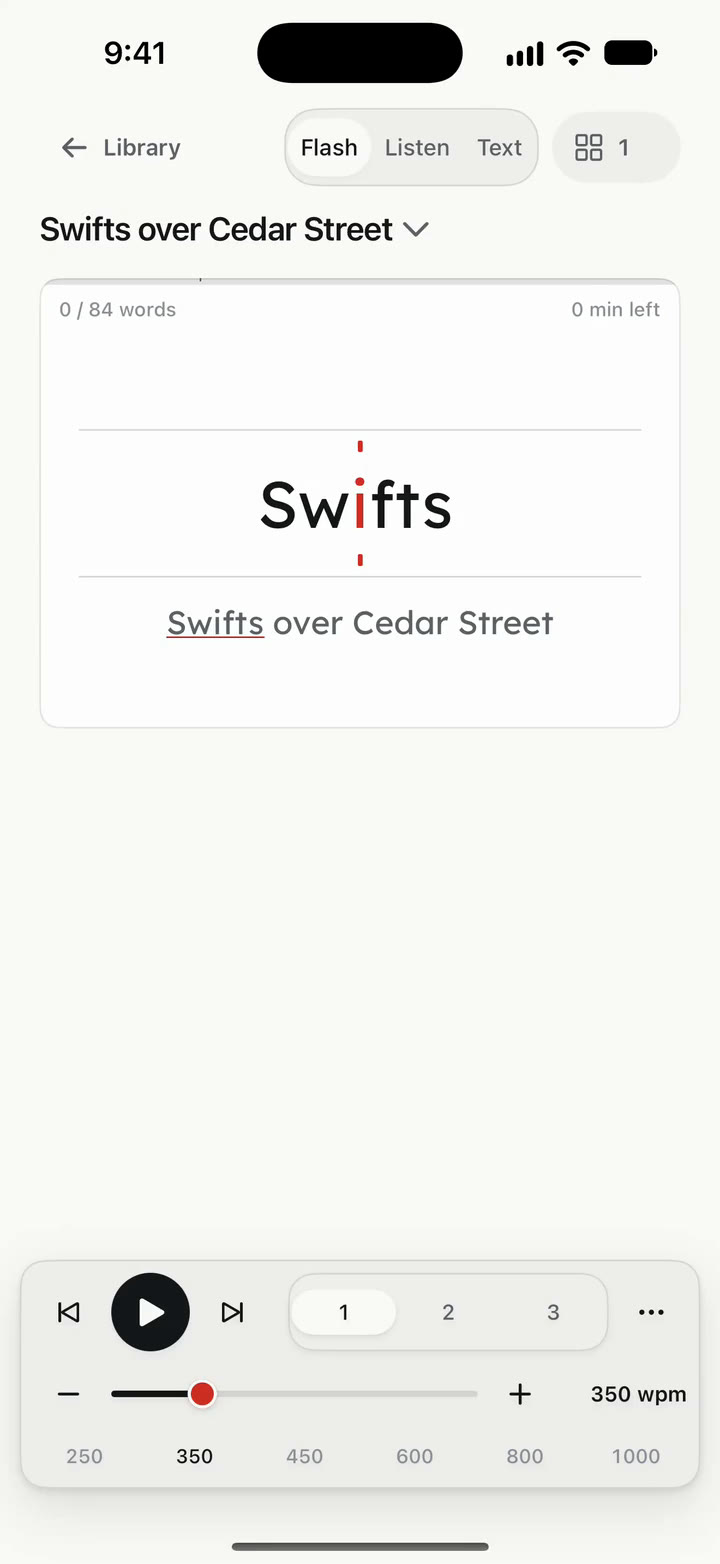


Try Flash
Press play and adjust the pace.
Every word lands on the same point, so your eyes stop moving and the words come to you. Longer words stay a little longer. A comma gets half a beat, and the end of a sentence gets a whole one. Try it slower, then faster, and find the pace where it still feels like reading. In the app, this is any document you give it.
Playing
Listen offline
Five English voices are included. Apple voices take over for other languages and higher speeds.
- HeartDefault
- Bella
- Nicole
- Michael
- Fenrir
Tempo Neural reads English and needs an iPhone or iPad with 6 GB of memory or more. On other devices, Listen reads with your Apple voices.

Landscape reading
Rotate your iPhone or iPad for a larger Flash stage, figures beside the words and controls that hide with a tap.

Open your documents
Share to Tempo from another app, open a file or paste a link.
- PDFScanned pages too, read on the device
- Word.docx, with its figures
- PowerPoint.pptx, slides and all
- EPUBBooks and long reads
- Web pagesPaste a link to read the page
- Photos of pagesText recognition on the device
Plain text and Markdown too. When a page had to be read from an image, Tempo tells you which one.

Your documents stay on your device.
All of it, on the device.
Lifting the text out, finding the figures, recognising photographs and the voices all happen on your iPhone or iPad. Nothing is uploaded.
No account.
Tempo never asks for your name, your email or a password. No analytics, no tracking, no advertising.
One request, when you ask.
The only time Tempo reaches the network is when you ask it to read a web page. It fetches that page and nothing else.
On the App Store: Data Not Collected.Read the privacy policy
Reading accessibility
Three reading typefaces are built in. Dynamic Type, VoiceOver and Reduce Motion are supported throughout. Light and dark, and a Flash stage you can pin to either.
- Lexend
- Atkinson Hyperlegible
- OpenDyslexic
Tempo Pro
Importing and your library are free. Reading requires a monthly or yearly subscription.
- MonthlyCA$3.99a month
- YearlyCA$24.99a year
Prices in Canadian dollars; the App Store shows yours in your own currency. The subscription renews automatically. Cancel any time in your Apple Account settings, at least 24 hours before the period ends.